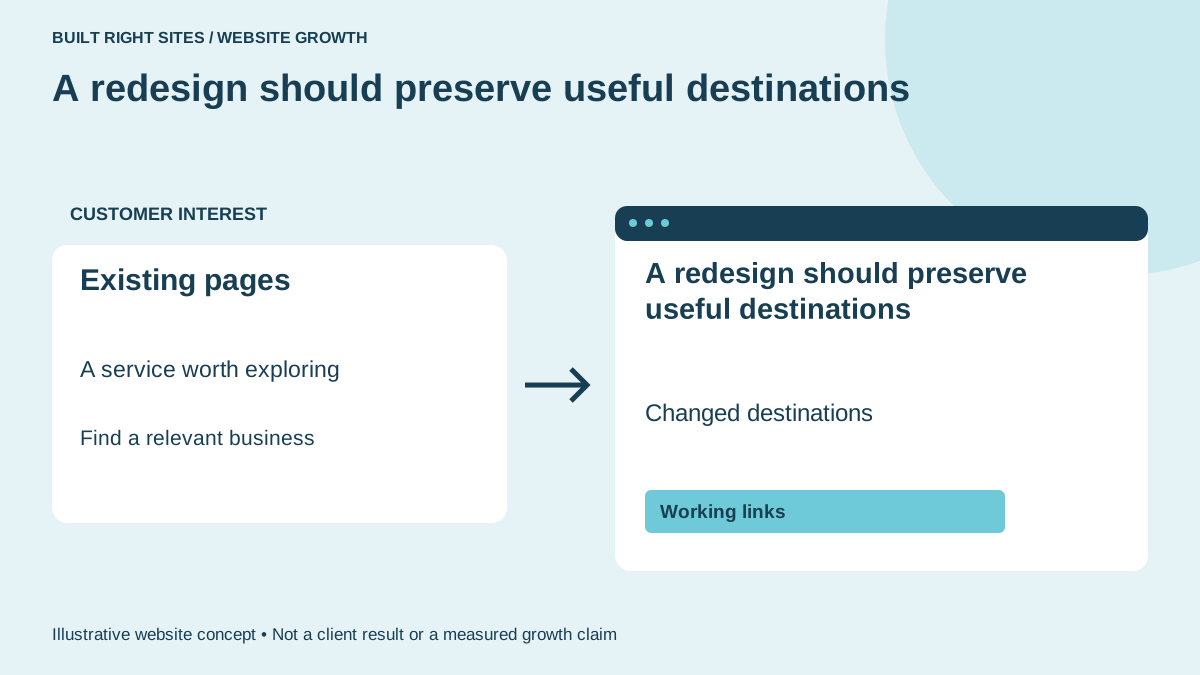
Why a redesign can confuse visitors
A business owner often notices the problem only after launch: a page that used to bring in inquiries is gone, a menu item changed names, or a bookmarked link leads to the wrong place. That is frustrating for customers who already knew where to go, and it can also make your own team spend time answering avoidable questions.
For a local business, that matters because many visitors are not starting from scratch. They may be returning customers, neighbors searching for a specific service, or someone who found a useful page and wants the same answer again. A redesign should improve the look and clarity of the site without making those familiar paths harder to follow.
The pages that matter most to keep
Not every old page needs to survive forever, but some pages deserve extra attention because they already serve a clear purpose. Think about your main service pages, location pages, contact page, estimate request page, and any article or gallery that brings people to the site with a specific intent.
A practical example: a roofing company may have old pages for roof replacement, repairs, storm damage, and service areas. A sign shop may have pages for storefront signs, vehicle wraps, and interior signs. If those pages move or change names, the new site should still make it easy to reach them from menus, internal links, and old bookmarks. That is where preserving useful search paths starts.
Explore Built Right Sites website examples for an example of how this can work on a site.
What search discovery needs from the rebuild
Search discovery is not magic, and a redesign does not erase every signal overnight. Google says sitemaps aid discovery, without assuring indexing. That means a sitemap can help search engines notice your important pages, but it does not promise every page will appear exactly as before.
For the owner, the takeaway is simple: the new site should help search engines and visitors understand where key content lives. Clean navigation, consistent page topics, and clear links between related pages can make the site easier to use after the redesign. If important pages are moved, the old destinations should be accounted for so people do not hit dead ends.
For the next part of this process, read When your roofing website needs an update.
A hypothetical before and after
Before the redesign, a hypothetical roofing visitor searches for “wind damage repair,” lands on a service page, then clicks to the contact form. After the redesign, that same service page still exists, but now it sits under a clearer menu path and the contact button is easier to find. The message is the same, but the route is simpler.
Now imagine a sign business owner whose old homepage buried custom monument signs three clicks deep. After the rebuild, the homepage highlights that service, the main navigation reflects the actual offerings, and older links still reach the right content. The result is not a dramatic promise of more demand; it is a smoother experience for people who were already looking for that service.
How to decide whether the new site is ready
A redesign decision should focus on whether the new site still supports the business goals behind the old one. If the old site had pages that answered real customer questions, those pages should be reviewed before launch instead of being replaced by vague copy or a prettier but thinner structure.
If you are considering a new website, it helps to think about one question: can a visitor still find the same useful service pages, contact points, and key information after the redesign? Built Right Sites builds business websites, and if you want a homepage concept before deciding to pay, that can be a useful way to see whether the new look still reflects the services you actually offer. The best redesign keeps the discovery path intact while making the site easier to trust and use.
A redesign works best when it improves the site without disconnecting people from the pages they already use. Keep the useful routes, review what moved, and make sure the new design still helps customers find the right place to land.
Related articles
See how your next website could work
A clear site gives interested customers a useful next step. Explore a homepage for your business, then decide whether it fits.
See my free homepageSources and further reading
- Google: Sitemaps — Sitemaps aid discovery, not guaranteed indexing.
Sources checked October 18, 2026. The examples and practical recommendations are our editorial guidance. AI-assisted drafting; reviewed before publication.