Start with the decision the visitor is trying to make
A service page should help a visitor decide how to contact you based on the kind of help they need. The main question is not which button converts better. It is which contact path fits the information gap the visitor has at that moment.
For a cabinet business, a homeowner asking about a planned custom built-in may already know the room size, finish preferences, and rough timing. That person may be ready to send a form with photos and measurements. Someone who just wants to confirm whether a project idea is possible may prefer a live call first.
The page should make that choice clear without forcing everyone down the same path. That means describing the purpose of each option in plain language, not just placing two buttons on the page.
Choose call when conversation solves the question faster
A call works best when the visitor needs a real-time answer and your staff can respond during business hours. It is also useful when the next step depends on a few follow-up questions that are easier to ask out loud than in a form field.
For some service businesses, the call path can reduce confusion because the person can explain the project in their own words. It can also help when a visitor is comparing options and wants to hear how your process works before they commit to a written request.
If you choose call as the primary path, the page should say who answers, when they answer, and what kind of questions they handle. That helps the visitor decide whether calling now makes sense or whether another path would be easier.
See example business websites with clear services and contact paths for an example of how this can work on a site.
Choose a form when the project needs organized details
A form can be better when the request involves measurements, project notes, photos, service addresses, or multiple decision factors. It gives the visitor a place to write those details in order and gives your team a cleaner handoff.
This matters when the work cannot be discussed well in a short conversation. A form can help the visitor slow down, think through the request, and send information that your team needs before giving a useful response.
The form itself should be easy to understand. W3C notes that visible labels help explain form fields. In practice, that means each field should say exactly what goes there, and the page should avoid vague labels that force the visitor to guess.
For the next part of this process, read Help customers after a quote request.
Use both when visitors arrive with different levels of readiness
Many service pages should offer both options because visitors do not arrive with the same amount of information. One person may be ready to talk now. Another may need a few minutes to gather details first. A third may prefer to avoid a phone call until they know the basics.
A combined approach works best when the page guides each visitor to the path that fits them. The page can say that calls are for quick questions and forms are for detailed project requests. That simple split keeps the decision practical.
Do not hide the better-fit path under generic language. If both options are present, each one should have a purpose. Otherwise the visitor has to guess which button is right for their situation.
Put this into practice
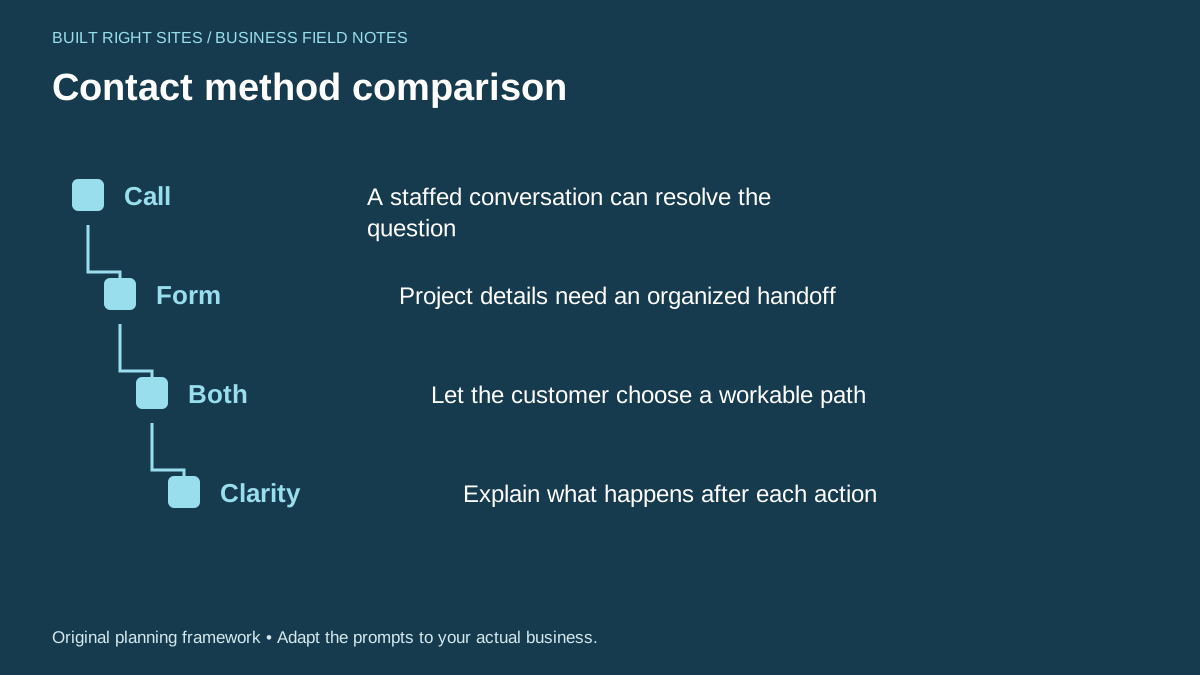
Contact method comparison
- Call: A staffed conversation can resolve the question
- Form: Project details need an organized handoff
- Both: Let the customer choose a workable path
- Clarity: Explain what happens after each action
An original planning framework from Built Right Sites, not a validated benchmark.
Worked example: a cabinet company page with both paths
Here is a hypothetical service page choice for a custom cabinet business. The business wants to handle planned kitchen built-ins, shelving projects, and current job questions without confusing visitors.
The page could say: Call if you need a quick answer about an active project or want to speak with a staff member during business hours. Use the form if you are starting a planned custom cabinet project and can share room measurements, photos, and a short description of what you want. That wording gives each visitor a clear route without forcing the same method on everyone.
In this example, the form should ask for the project type, space or room, contact details, and a short note about what the visitor wants built. The call path should show that a live person can answer project questions and help direct the visitor to the next step. Both paths should end with a plain explanation of what happens after contact, such as a staff follow-up or a request for more project details.
A service page should ask visitors to call, fill a form, or choose between both based on the kind of information the visitor needs and how your business is staffed. When you state the purpose of each option and explain what happens next, the page becomes easier to use and easier to manage. Build the choice around real workflow, not guesswork, and keep the wording clear enough that a visitor can act without wondering which path fits them.
Related articles
See how your next website could work
A clear site gives interested customers a useful next step. Explore a homepage for your business, then decide whether it fits.
See my free homepageSources and further reading
- W3C: Labeling controls — Visible, associated labels explain form fields.
Sources checked October 18, 2026. The worksheets and practical recommendations are our editorial guidance. AI-assisted drafting; reviewed before publication.