Start with the one message the page must send
The main job of this page is to separate receipt from approval. If a visitor has submitted a quote request, the page should say the request was received only after the server confirms it. That keeps the message accurate and avoids implying that someone has already approved the quote or scheduled anything.
For a small business, the wording should answer three plain questions right away: Did you get my request, what happens now, and what should I do if there is a problem? That is enough for most visitors. Extra sales copy can wait until after the basic confirmation.
Use a clear before-and-after message
A useful thank-you page often works best when you compare the wrong message with the right one. The goal is to show the difference between a vague or misleading line and a message that reflects the actual state of the request.
For example, do not say: “Thanks, your quote is booked.” That suggests more than the form submission can confirm. A better version is: “Thanks, we received your quote request. A team member will review the details and reply with the next step.” This keeps the meaning tight and avoids promising a quote approval that has not happened yet.
See example business websites with clear services and contact paths for an example of how this can work on a site.
Explain the next step in plain language
Once the visitor knows the request was received, tell them who handles it. That can be as simple as saying a coordinator, estimator, or office staff member reviews the request. If your process includes a phone call, a written reply, or a follow-up question, mention that in a direct sentence.
This is also a good place to reduce uncertainty about what the customer should expect from your side. Keep it factual and operational. For example, you can say that the request will be reviewed and that someone will contact them with the next step. You do not need to promise a specific response time if you cannot support it.
Operational details matter here because the thank-you page is part of the service process, not just a design screen. A short note about review, contact, and next steps can lower confusion and reduce duplicate submissions from people who are unsure whether the form worked.
For the next part of this process, read Prepare customers for an estimate appointment.
Handle the error path with the same clarity
Not every submission will succeed, so the page should have a clear failure path. If the request did not go through, say that plainly and tell the visitor what to do next. A useful error message is short, specific, and calm. It should not pretend the request arrived if it did not.
For example, if the form fails, the page or message can say: “We could not send your request. Please try again or contact us by phone.” That gives the visitor a next step without blaming them or leaving them guessing. If you list a phone number or email address on the page, make sure it is easy to find.
This matters because visitors often assume a quiet screen means success. A clear failure message prevents false confidence and reduces repeated submissions from people who are trying to fix a problem they cannot see.
Put this into practice
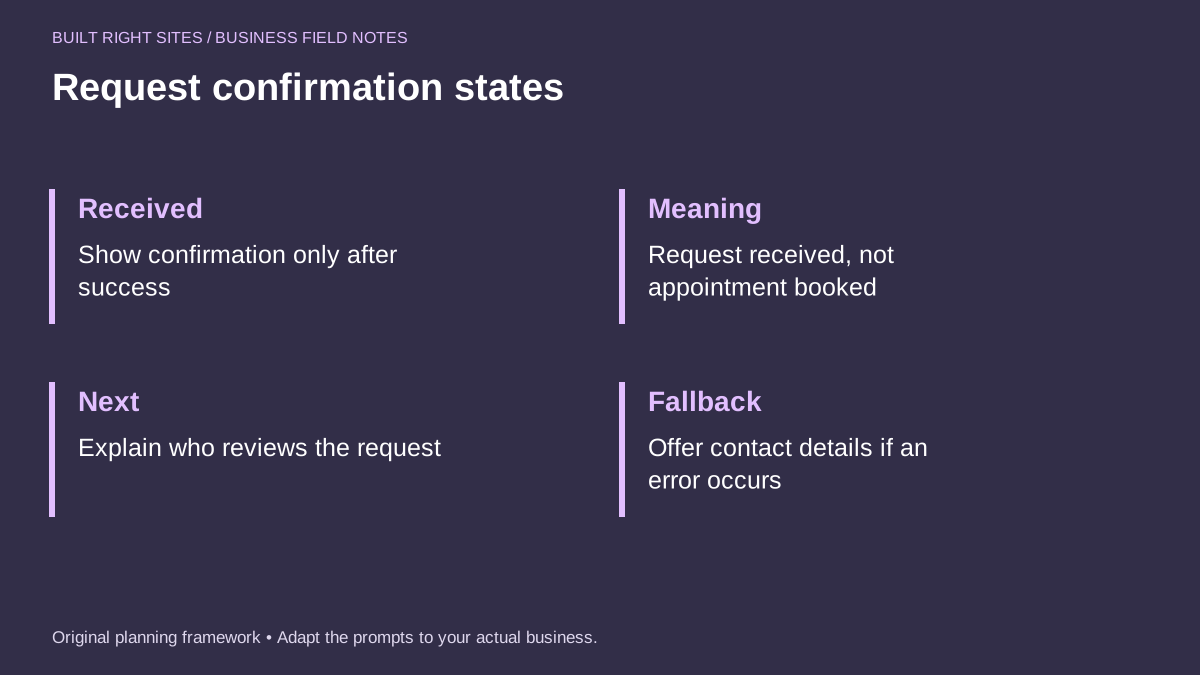
Request confirmation states
- Received: Show confirmation only after success
- Meaning: Request received, not appointment booked
- Next: Explain who reviews the request
- Fallback: Offer contact details if an error occurs
An original planning framework from Built Right Sites, not a validated benchmark.
Worked example: a simple local service quote page
Here is one hypothetical example for a local roofing company. After a successful submission, the page could say: “Thanks, we received your quote request. Our office will review your information and contact you with the next step. This is not a booking confirmation.” If the form fails, the fallback message could say: “We could not send your request. Please try again or call our office for help.”
That wording works because it tells the visitor what happened, what did not happen, and what comes next. It does not overstate the result. It also gives the business a clean way to separate a received request from a scheduled visit or an approved quote.
If the company wants to be even more explicit, it could add one sentence such as: “A team member will review the details and reply by email or phone.” That keeps the process understandable without promising more than the business has actually confirmed.
A quote-request thank-you page should do one job well: confirm a successful submission and explain the next step without implying approval or booking. If the request fails, the page should say so clearly and offer a fallback contact path. That straightforward approach helps customers understand where they are in the process and helps your business avoid mixed messages.
Related articles
See how your next website could work
A clear site gives interested customers a useful next step. Explore a homepage for your business, then decide whether it fits.
See my free homepageSources and further reading
- W3C: User notification — Forms need clear success and error feedback.
Sources checked October 18, 2026. The worksheets and practical recommendations are our editorial guidance. AI-assisted drafting; reviewed before publication.