Start with the decision the customer has to make
Build the page around one simple question: what does the customer need to do before the estimate visit? For most small businesses, that means helping the customer prepare useful details without asking for a long form or a technical explanation.
A preparation page works best when it tells people what kind of information helps the visit stay focused. Keep the wording plain and direct. The goal is to help them describe the result they want, not to force them into industry jargon or a long list of requirements.
Tell customers exactly what to have ready
Do not ask for everything. Ask only for what helps you prepare for the visit. A customer-prep page should say what is useful, what is optional, and what should be avoided. That makes the page easier to use and less likely to create confusion.
If photos are safe and appropriate, ask for them. If plans already exist, ask for them too. If not, keep the request simple. The idea is to help the customer share context, not to make them collect a full project file before they talk to you.
See example business websites with clear services and contact paths for an example of how this can work on a site.
Handle access, people, and appointment changes clearly
A common source of missed estimates is uncertainty about access. Spell out who should be present, who can open the site, and whether the customer needs to be available during the visit. This is especially helpful when the appointment depends on getting into a property, building, or work area.
You should also tell customers how to update the appointment. Keep the instruction short and obvious. If the time changes, the contact path should be easy to find. A page that explains how to reschedule or cancel can save your team repeated calls and reduce confusion on the day of the visit.
For the next part of this process, read Help customers after a quote request.
Example wording for a fence estimate page
Here is a hypothetical example of how the page might read for a fence business. This is not a script to copy word for word, but it shows the kind of plain language that can work well.
Sample wording: “To help us prepare for your fence estimate, please tell us what kind of result you want, share any existing plans or safe photos if you have them, and let us know who will meet us at the property. If your schedule changes, contact us as soon as possible so we can update the appointment. If you are only making a request, we will confirm the visit separately.”
That wording does three useful things at once: it sets the customer’s task, it explains what information helps, and it separates a request from a confirmed visit. It also gives the customer a clear way to act if the appointment changes.
Put this into practice
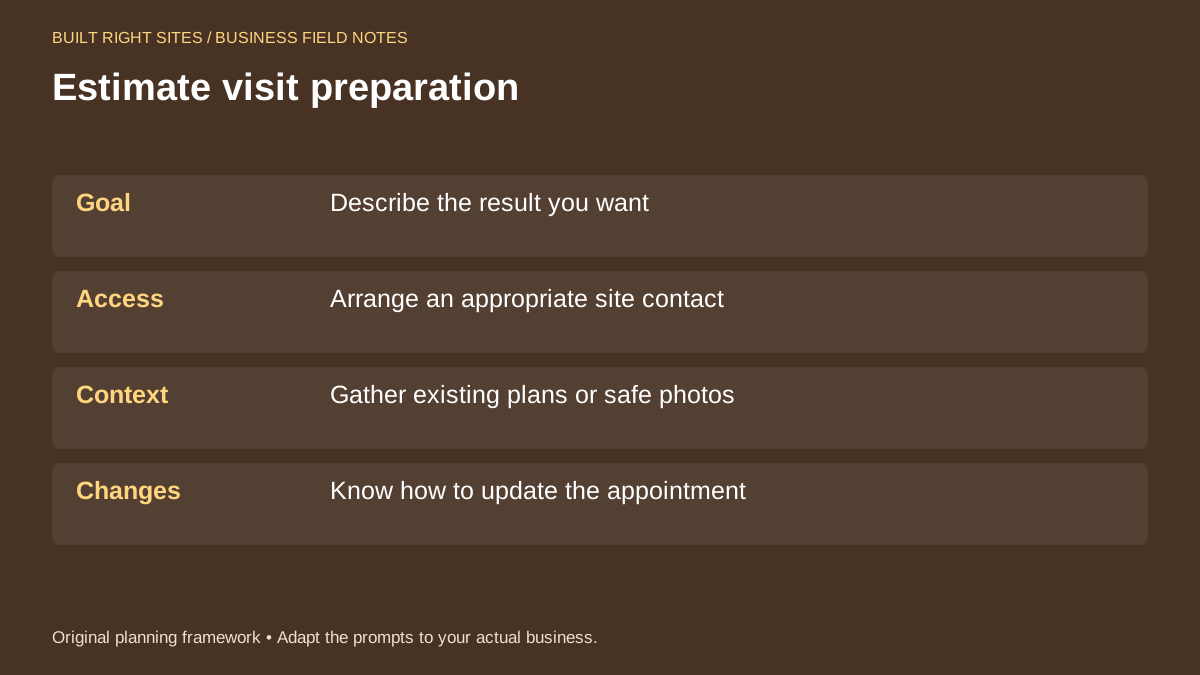
Estimate visit preparation
- Goal: Describe the result you want
- Access: Arrange an appropriate site contact
- Context: Gather existing plans or safe photos
- Changes: Know how to update the appointment
An original planning framework from Built Right Sites, not a validated benchmark.
Make the page work with the rest of your operations
A preparation page is most useful when it matches what happens after someone submits the request. If your team calls to confirm visits, the page should say that clearly. If you use a booking link, place it where customers can find it without hunting. Google notes that eligible Business Profiles can link to booking destinations, so make sure your public contact paths match the way you actually schedule visits.
The page should also support your internal process. Someone on your team should know how estimate requests are reviewed, how confirmation is sent, and how changes are handled. The website can guide the customer, but the business still needs a clear routine behind it.
If you want customers to arrive ready for an estimate appointment, give them a page that answers the practical questions first: what to prepare, who should be there, what context helps, and how to update the visit if plans change. Keep the language simple, keep the request clear, and connect the page to a real scheduling process your team can follow.
Related articles
See how your next website could work
A clear site gives interested customers a useful next step. Explore a homepage for your business, then decide whether it fits.
See my free homepageSources and further reading
- Google: Local business links — Eligible Business Profiles can link to booking destinations.
Sources checked October 18, 2026. The worksheets and practical recommendations are our editorial guidance. AI-assisted drafting; reviewed before publication.