Start with the event date, not the design
Begin by asking for the intended use date. That date sets the pace for every other step, because the schedule depends on what needs to be made, who needs to approve it, and whether the shop can take the work.
A useful website page should make this first question obvious. If a customer lands on your event signage page, the first task is not picking colors or materials. It is deciding whether the event date is firm and what signs are needed for that date.
The Small Business Administration notes that a sales plan describes the steps customers take to buy. For event signage, those steps can be simple: identify the event, define the scope, collect artwork inputs, and confirm capacity with the shop.
Build content around the four dependency gates
A practical event signage workflow can be organized around four dependency gates: event, scope, inputs, and schedule. Each one has to be clear before the next one can move forward.
The event gate is the intended use date. The scope gate is the list of signs, their locations, and quantities. The inputs gate covers artwork and approval owners. The schedule gate is where the shop confirms capacity and decides whether the job fits the current workload.
This structure helps your website content stay honest. It tells the customer what information is needed without implying that every request can move straight to production. It also helps your staff ask the same questions every time, which can reduce back-and-forth on basic details.
For a sign company website, this can live on a service page, a request form, or a project inquiry page. The point is not to automate the process. The point is to make the decision path clear enough that customers know what to gather before they ask for a firm answer.
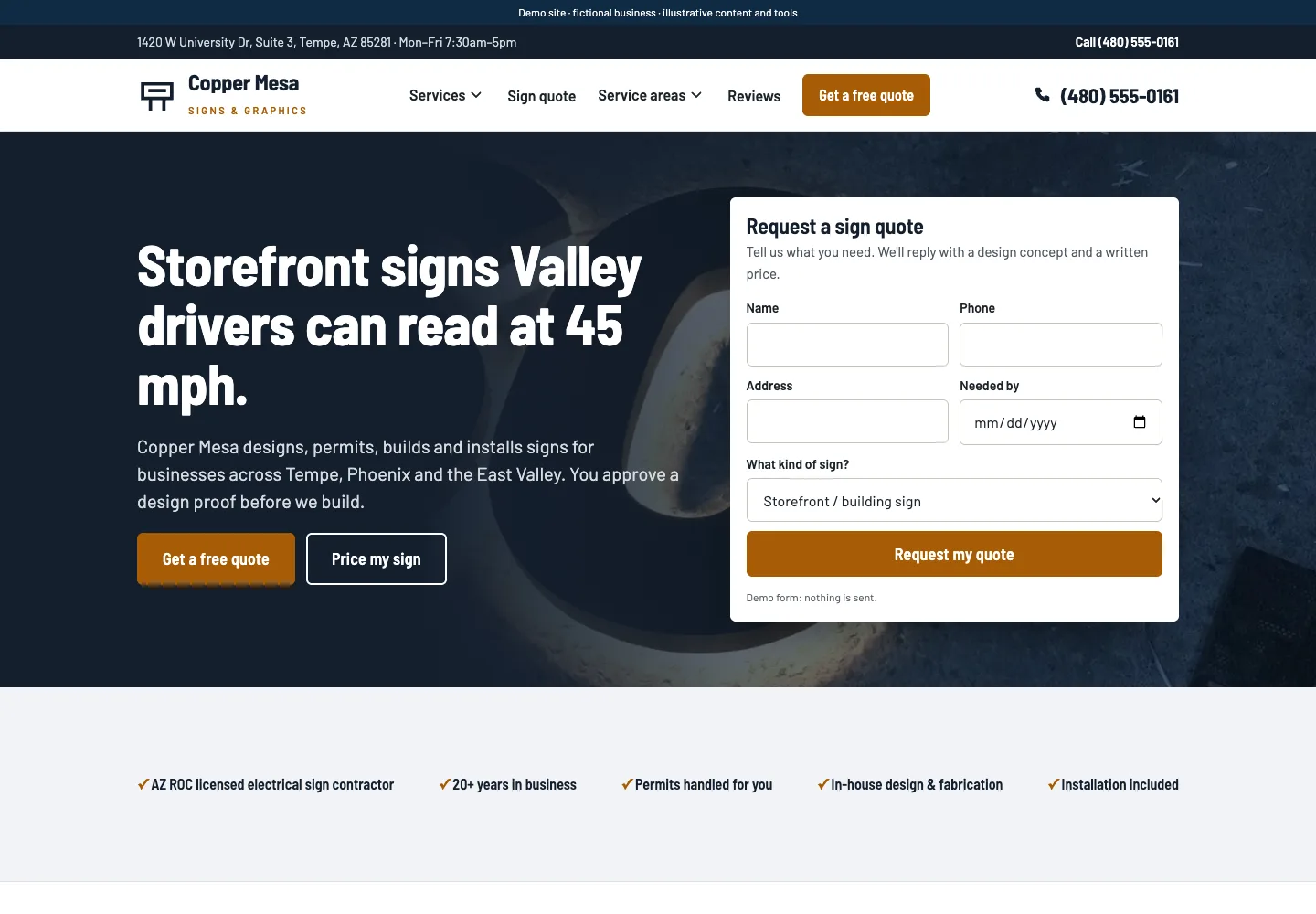
Explore sign-company website layouts for services and project inquiries for an example of how this can work on a site.
Write readiness questions that surface real constraints
Readiness questions should help the customer think through the job without making promises. Good questions are specific enough to reveal what could slow the project down, but plain enough for a busy business owner to answer quickly.
Ask whether the event date is fixed, whether the sign list is complete, who approves artwork, and whether any locations have special size or placement needs. Those questions do more than collect data. They help your team see where the order may need extra attention.
Your website copy should also explain what happens after the customer submits the information. Tell them the shop reviews the scope, checks capacity, and then confirms the next step. That is more useful than vague language about fast turnaround or smooth delivery.
Keep the wording short. A small-business owner does not need a long explanation of your process. They need to know what to send, who should respond, and when they can expect the shop to verify whether the work fits.
For the next part of this process, read Build useful sign shop referral partnerships.
Worked example: a community fair with four gates
Here is a hypothetical example. A local community fair wants entrance banners, directional signs, booth identifiers, and sponsor signs. The organizer says the fair opens on Saturday and needs the signs in place by Friday afternoon.
Event gate: the intended use date is Saturday morning, and the organizer wants everything installed by Friday afternoon. Scope gate: the list includes two entrance banners, six directional signs, twenty booth signs, and four sponsor signs. Inputs gate: the marketing coordinator will approve artwork, but the sponsor names still need final spelling from the fundraising chair. Schedule gate: the shop checks its current workload and sees that the sponsor names are not final yet.
The decision becomes straightforward. The website inquiry can note: 'Ready for review, but sponsor names are still being confirmed. Final timing will be set after artwork approval and capacity review.' That wording does not promise production. It shows the shop where the bottleneck is and what must happen next.
This example is useful because it turns a vague event request into a practical path. The customer sees that the date is not the only issue. The shop can also see whether the order is ready to move or still depends on missing approvals.
Put this into practice
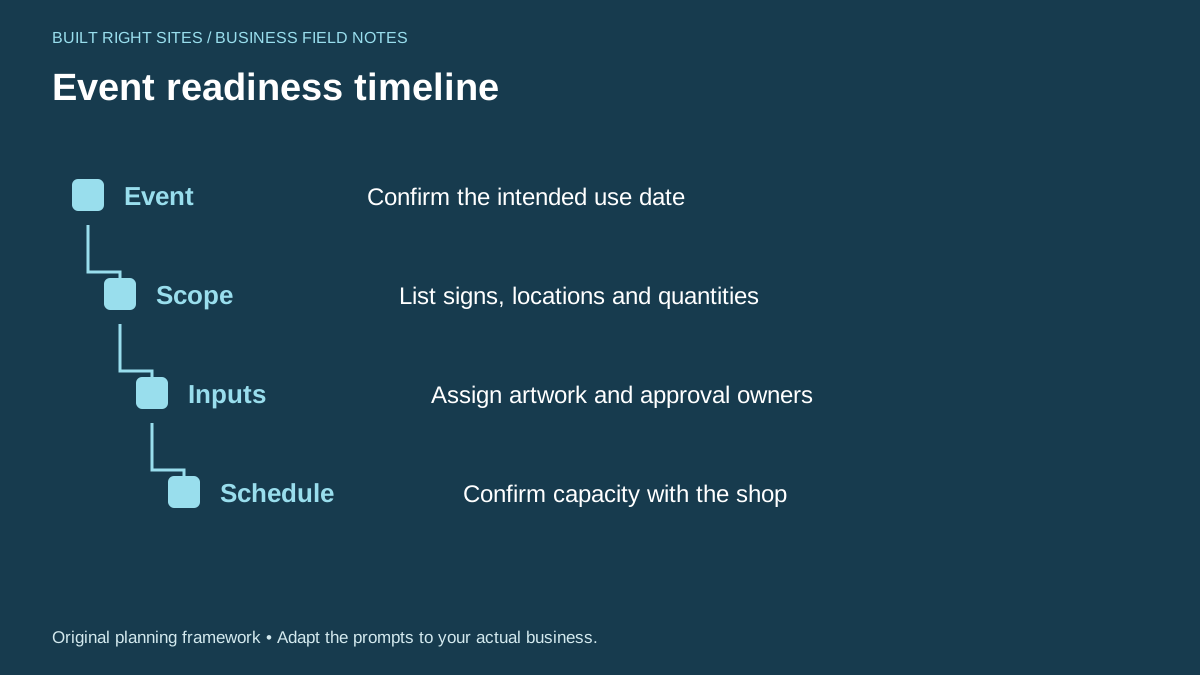
Event readiness timeline
- Event: Confirm the intended use date
- Scope: List signs, locations and quantities
- Inputs: Assign artwork and approval owners
- Schedule: Confirm capacity with the shop
An original planning framework from Built Right Sites, not a validated benchmark.
Shape the website page around action, not hype
The goal of the page is to help the customer take the next operational step. That means the page should answer how to begin, what to prepare, and what the shop will review before confirming timing.
A strong page structure for this topic might include a short explanation of the planning steps, a link to the worksheet, a list of readiness questions, and a simple note that final timing is confirmed after review. That is enough to move the conversation forward without overexplaining.
You can also use the page to support related internal workflows. For example, if someone asks for a referral partner or artwork handoff page, those pages can reuse the same readiness logic: define the scope, identify the approver, and confirm capacity before committing to a schedule.
For a small business owner, the value is clarity. They can see what information belongs in the request, and your team can manage event signage orders with fewer assumptions. That is better than broad claims and more useful than a page that talks around the actual decision.
If you build event signage content around real deadlines, your website can help customers prepare better requests and help your shop confirm timing only after the facts are known. Start with the event date, define the scope, name the approval owners, and check capacity before any schedule is treated as final. That approach keeps the process practical and gives a small-business owner a clear path from inquiry to review.
Related articles
See how your next website could work
A clear site gives interested customers a useful next step. Explore a homepage for your business, then decide whether it fits.
See my free homepageSources and further reading
- SBA: Marketing and sales — A sales plan describes the steps customers take to buy.
Sources checked October 18, 2026. The worksheets and practical recommendations are our editorial guidance. AI-assisted drafting; reviewed before publication.