Start with the decision the page has to support
For sign work, the page should answer one practical question: which artwork should your team use for this job? That means the page needs to guide the customer toward the current version, not just toward an upload box.
The page should also make room for staff review. A customer may upload a source file, a preview, or an older version by mistake. Your page should set the expectation that your team checks the file for suitability for the order instead of promising that any upload is ready as-is.
Use clear labels and keep every field specific
A handoff page works better when each field tells the customer exactly what to enter. The basic form labels should be visible and tied to the right fields so customers do not guess what belongs where. That idea is simple, but it matters because a vague field invites vague answers.
Keep the labels job-based, not design-jargon based. A small-business owner looking for a sign does not always know the difference between a working file and a final proof. So the page should ask for the file they want used, the version they believe is current, and any notes that help your staff compare versions.
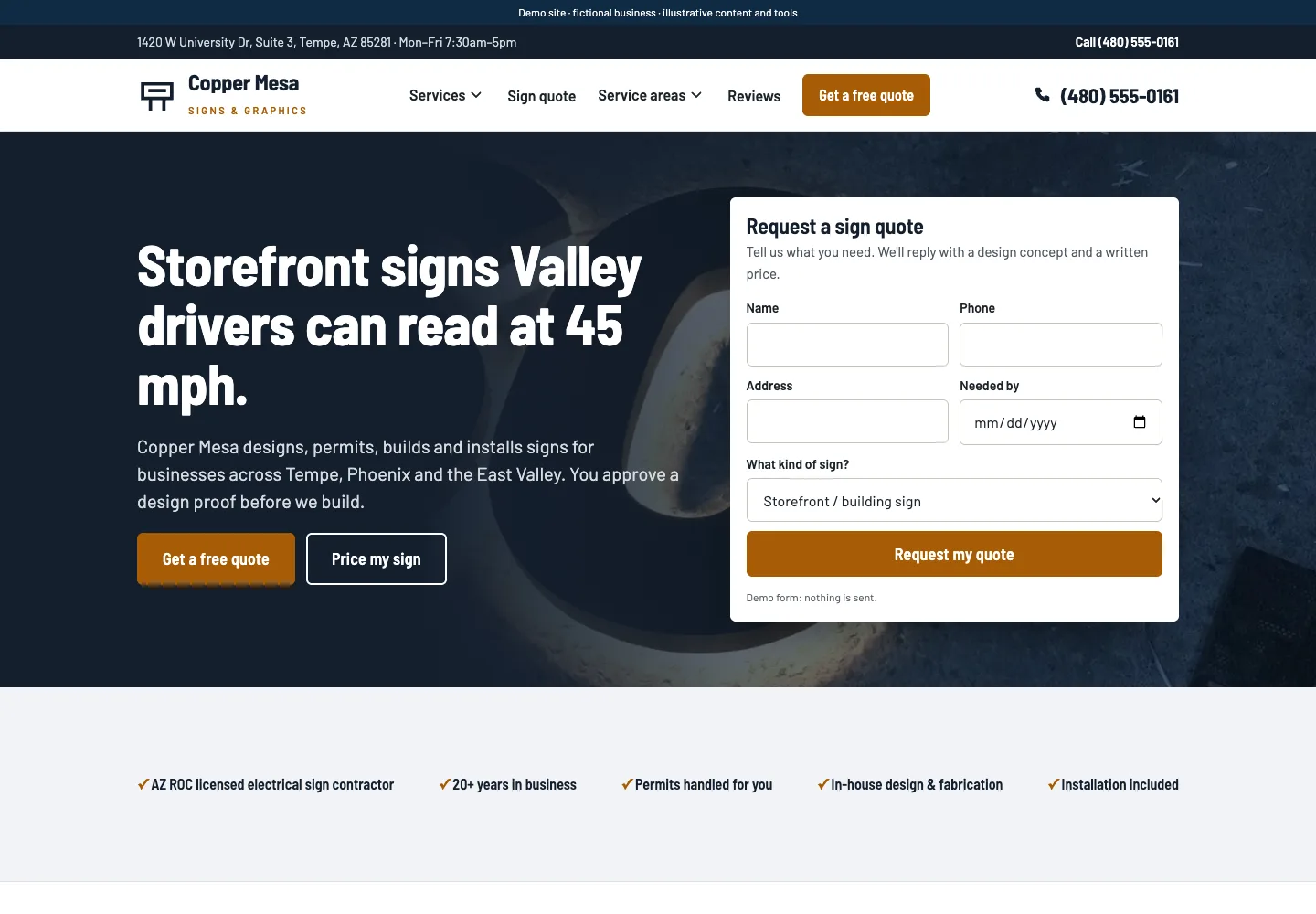
Explore sign-company website layouts for services and project inquiries for an example of how this can work on a site.
Build the page around source file, preview, version, and approval
These four ideas keep the handoff organized. The source file is the file that should be used if it is suitable for the job. The preview is what the customer sees before production. The version is the specific file state or date the customer believes is current. Approval is the final sign-off on the proof before production.
If you blur these terms together, customers may think a screenshot or old logo file is enough. If you keep them separate, your staff can ask sharper follow-up questions and avoid starting production from the wrong artwork. That does not remove review work. It gives your team a cleaner starting point.
For the next part of this process, read Make repeat sign orders easier.
Worked example: a two-logo mix-up on a storefront sign
Imagine a customer uploads two files for the same business name: one is labeled "logo-final-2024.ai" and the other is "logo-horizontal-promo.jpg." The customer writes, "Use the newer one." That is not enough by itself, because newer does not always mean current for this sign.
A stronger handoff response would be: "Please confirm which artwork is current for this order. If you want the horizontal logo used, reply with the filename and the version date. We will review it for this sign and send a proof for final approval." After that, the staff member can compare the files, choose the one that fits the order, and send the proof that matches the selected version. The completed decision is: use logo-final-2024.ai, not the promo image, because the customer later confirms that the promo image is for web use only.
Put this into practice
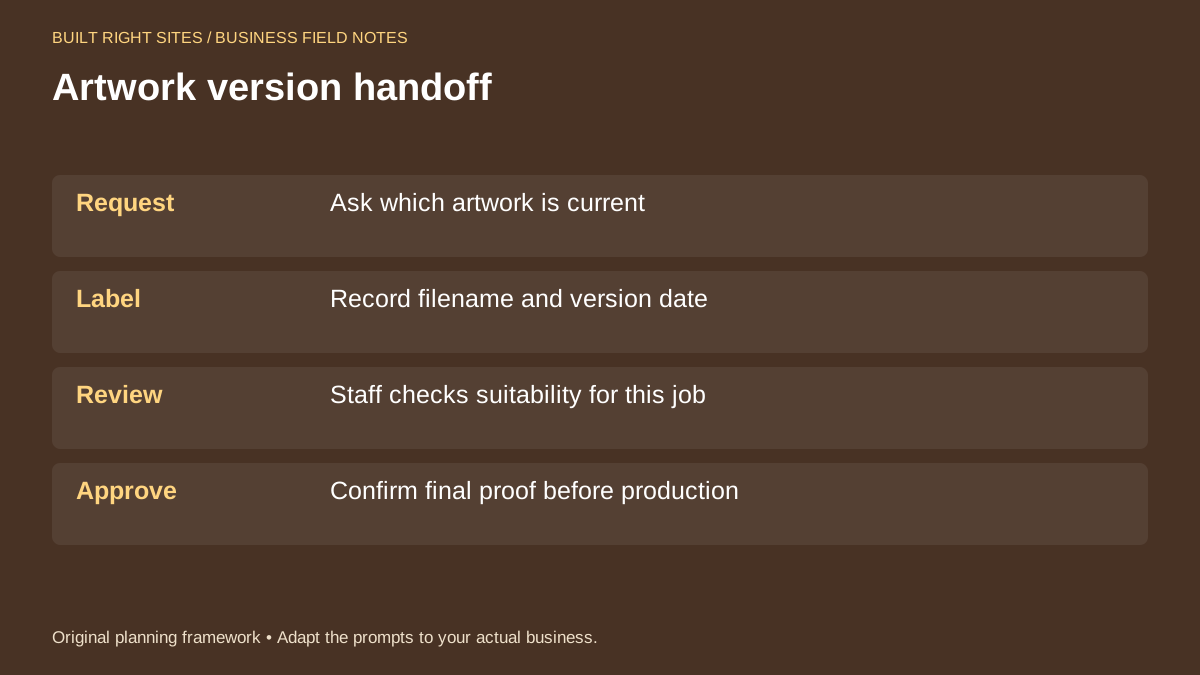
Artwork version handoff
- Request: Ask which artwork is current
- Label: Record filename and version date
- Review: Staff checks suitability for this job
- Approve: Confirm final proof before production
An original planning framework from Built Right Sites, not a validated benchmark.
Support the page with operational follow-through
A handoff page is only useful if the rest of the process matches it. Someone on your team should know who reviews files, who sends the proof, and who approves the job to move forward. If a customer answers the form with incomplete information, there should be a simple internal step for follow-up.
It also helps to keep the page aligned with the rest of your sign inquiry flow. If a customer first asks for a quote and later returns to approve artwork, the terms and labels should stay consistent. That lowers the chance of a support call where the customer has to re-explain the same artwork history.
For a small business, the best version of this page is usually the one that makes the next action obvious. Ask for the current file, label it clearly, review it for the job, and then get final proof approval before production begins.
If you want a better artwork handoff page, focus on clarity, version control, and staff review rather than universal upload rules. Ask customers which artwork is current, record the filename and date, separate previews from source files, and make final proof approval a distinct step. That gives your team a cleaner way to handle sign jobs and gives customers a clearer path from inquiry to production.
Related articles
See how your next website could work
A clear site gives interested customers a useful next step. Explore a homepage for your business, then decide whether it fits.
See my free homepageSources and further reading
- W3C: Labeling controls — Visible, associated labels explain form fields.
Sources checked October 18, 2026. The worksheets and practical recommendations are our editorial guidance. AI-assisted drafting; reviewed before publication.