Start with the decision you need from the customer
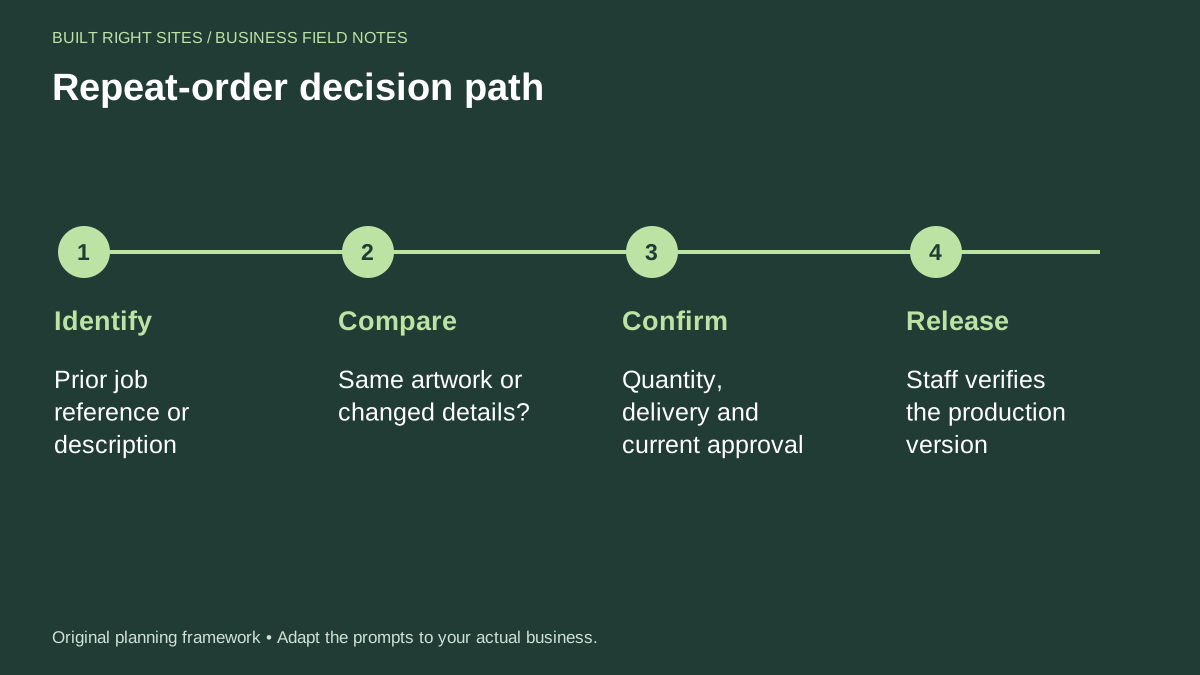
A reorder page should help a returning customer answer a small set of questions in the right order. First, do they mean the same job as before, or a related version with changes? Second, do the quantity, delivery details, and approval status still match what the shop needs now? Third, is the request ready for staff to review the production version?
That sequence matters because repeat work is not always unchanged work. A customer may remember the last banner, yard sign, or panel and assume the old artwork can move straight into production. Your page should slow that down just enough to catch changes before anyone treats the request as final.
Design the reorder flow around comparison, not assumption
The most useful reorder flow is a comparison flow. It should help the customer compare the earlier job against the new request instead of assuming the old version is still approved. That can be as simple as a short form with fields for job name, date, size, quantity, delivery or pickup details, and a clear yes-or-no question about artwork changes.
If the artwork changed, the customer should be prompted to describe the change in plain words. If it did not change, the request still needs review so staff can confirm the production version before release. This is especially important when the original job was for a one-time event or had dated information.
A good reorder page also explains what the customer is asking for and what your team will do next. In other words, the form can collect the request, but it should not imply automatic print approval. That keeps the process realistic for sign work, where details matter.
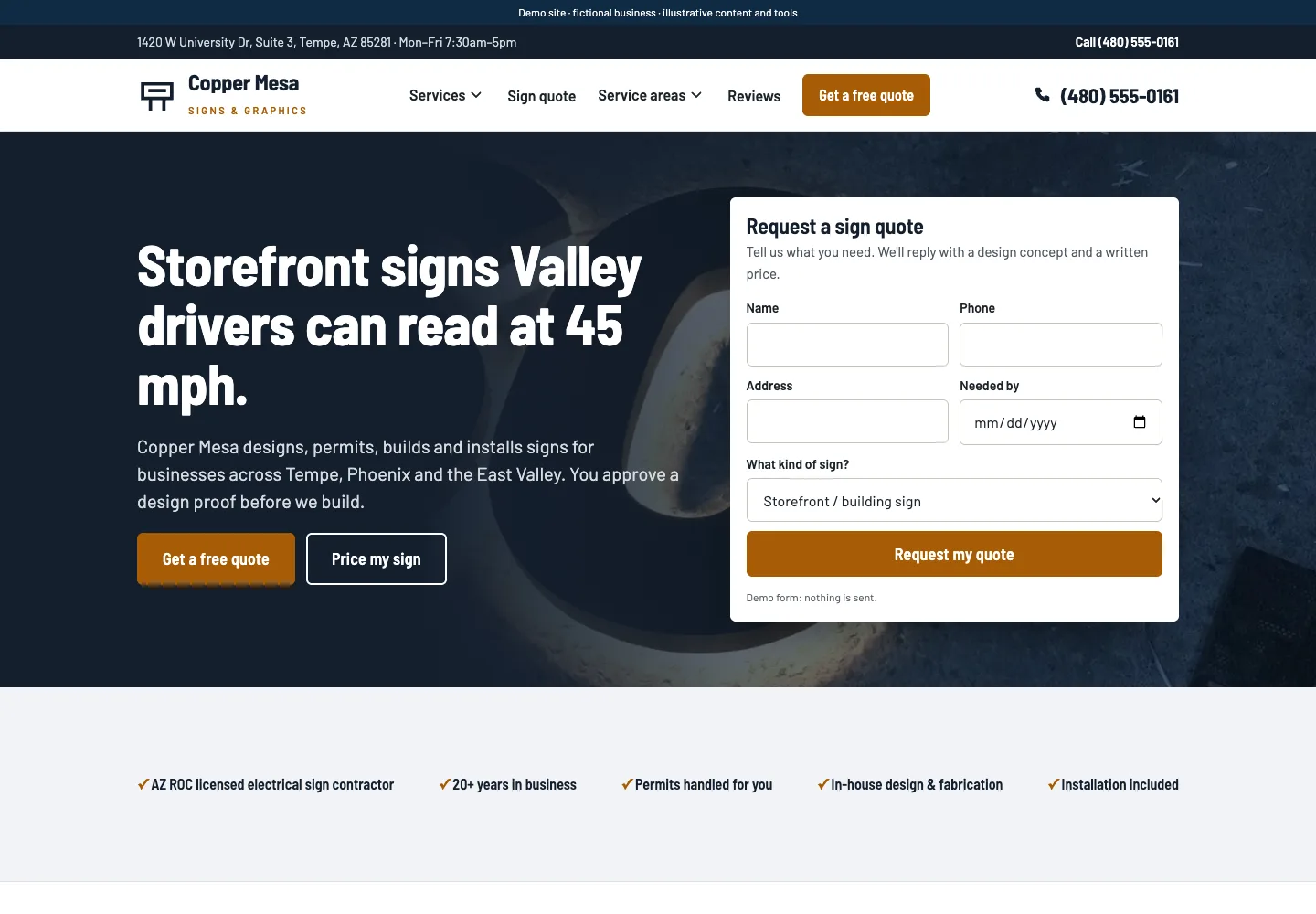
Explore sign-company website layouts for services and project inquiries for an example of how this can work on a site.
Worked example: a recurring event banner with a date change
Here is a simple example you can use as a model. A customer ordered a banner for a spring fundraiser last year and now wants the same banner again for this year’s event. The old file still exists, but the date needs to change. The reorder page should not treat this as a pure repeat order.
Sample wording could read: “I’m reordering a previous sign. Please tell us what changed so we can review the current production version.” The customer then enters the old job reference, checks “changed details,” and writes: “Update event date from May 12 to May 18. Everything else stays the same.”
After that, the request should move to staff review. A staff member checks the production version, confirms the updated date, and decides whether the order can be released. The key point is that the customer’s form is a request, not the final approval to print. That distinction helps prevent outdated event information from moving ahead unnoticed.
For the next part of this process, read Build useful sign shop referral partnerships.
Make the page helpful for operations, not just intake
A reorder page works best when it supports the way your shop actually handles repeat work. If a customer can identify the old job quickly, your staff can spend less time searching for context. If the form asks whether artwork changed, your team can sort requests that need edits from requests that may only need quantity or delivery updates.
You can also make the page easier to use by telling customers what information to have ready. That might include the prior invoice, job number, event name, size, and any change notes. Keep the wording plain. The point is not to create a long form, but to reduce back-and-forth after the request is submitted.
It can also help to write short internal instructions beside the form fields. For example, if the customer marks “same artwork,” staff still checks the production version before release. If the customer marks “changed details,” staff reviews the change and updates the file before the order moves forward. These small rules make the process clearer for everyone involved.
Put this into practice
Repeat-order decision path
- Identify: Prior job reference or description
- Compare: Same artwork or changed details?
- Confirm: Quantity, delivery and current approval
- Release: Staff verifies the production version
An original planning framework from Built Right Sites, not a validated benchmark.
Keep the workflow simple, but do not skip the review
The best reorder workflow is usually short, direct, and easy to understand. That said, simple should not mean automatic. Repeat sign orders can involve changed dates, sizes, quantities, delivery points, or approval status, and each of those can affect what gets produced. A reorder page should surface those changes early.
If you are building this for your business, focus on three things: a clear path from old job to new request, a visible check for changes, and a staff review before production. Those are operational steps, not marketing extras. They help your team handle repeat work in a way that is organized and dependable.
For many sign shops, the real win is not a flashy form. It is a process that helps customers place a familiar order without pretending the old approval still fits every new job. That balance keeps repeat orders easier to submit and easier to manage.
If you want repeat sign orders to be easier, build a reorder page that asks the right questions in the right order. Identify the prior job, compare the artwork, confirm the current details, and let staff release the production version only after review. That approach keeps repeat orders straightforward for customers while giving your shop the control it needs to avoid preventable mistakes.
Related articles
See how your next website could work
A clear site gives interested customers a useful next step. Explore a homepage for your business, then decide whether it fits.
See my free homepageSources and further reading
- SBA: Marketing and sales — A sales plan describes the steps customers take to buy.
Sources checked October 18, 2026. The worksheets and practical recommendations are our editorial guidance. AI-assisted drafting; reviewed before publication.