Start with the boundary you truly serve
Begin by naming the places your business routinely serves. Keep the wording plain and specific enough that a customer can tell whether they are inside or outside your normal route. If you work a west side neighborhood and a few nearby suburbs, say that directly instead of stretching the area to sound bigger.
For a service business, this is not just a marketing choice. It helps set expectations before someone fills out a form or calls with a request that is outside your regular travel range. If your business profile already lists service areas, your website copy should stay consistent with that information so people are not told two different things.
Explain job-specific limits and exceptions
A service area is not always the same for every job. Some work may fit a wider area, while other work may only make sense close to your base. Say that in normal business language so customers understand the difference before they request a visit.
The goal is to show that availability can depend on the type of service, access needs, or schedule. That does not require long policy language. A short note can tell people that some requests need review first, especially if the job is outside the usual area or has special requirements.
If you offer advice remotely, separate that from onsite work. Make it clear when a person can get phone or email guidance without a visit, and when an in-person appointment is needed. That helps reduce confusion and can save time for both sides.
See example business websites with clear services and contact paths for an example of how this can work on a site.
Make the next step easy for people outside your core area
Not every visitor will fall inside your usual boundary. Instead of leaving them guessing, give a simple path to ask first. A short line near your service-area copy can invite people to send their town or postal code before they assume you can take the job.
This keeps the conversation practical. You are not promising that you can help every caller; you are asking for enough information to check whether the request fits your route, service type, or schedule. That is more useful than a generic “contact us” message because it tells people what to send.
If you prefer phone calls, email, or a form, say which one is best for location questions. The main point is to reduce back-and-forth by collecting the location detail you need at the start.
For the next part of this process, read Choose your Google profile’s website link.
Worked example: a fictional crew with a west-side boundary
Here is a completed example. Imagine a fictional crew that regularly serves the west side of town and a few nearby neighborhoods, but not a distant town across the county line. The website copy could read: “We regularly serve the West Side, Brookfield, and nearby neighborhoods. If you are outside that area, send your town or ZIP code first so we can confirm whether your request fits our current route.”
That wording does three useful things. It names the normal area, it avoids pretending the business serves the whole region, and it gives the customer a next step if they are unsure. It also leaves room for job-by-job review without making a broad promise.
If the same crew offers remote troubleshooting, the page could add: “We can help with some questions by phone or email, but onsite work depends on location and the type of service needed.” That separates advice from travel-based work in a way most customers can understand quickly.
Put this into practice
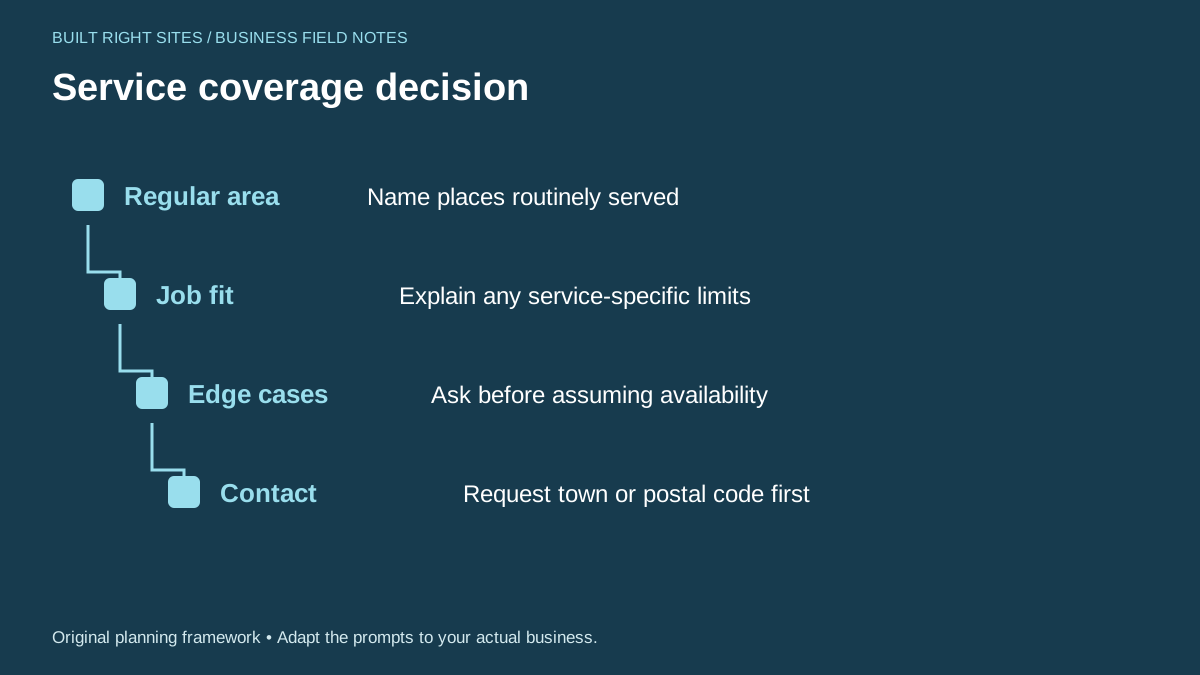
Service coverage decision
- Regular area: Name places routinely served
- Job fit: Explain any service-specific limits
- Edge cases: Ask before assuming availability
- Contact: Request town or postal code first
An original planning framework from Built Right Sites, not a validated benchmark.
Keep the wording aligned with privacy and real settings
Your service-area page should match the way your business actually handles location information. If your Business Profile already uses service areas, keep the public wording consistent with that setup. If you do not want to list a street address, you can still give people enough detail to understand where you work without exposing more than you need to.
Think about privacy as part of clarity, not secrecy. A small business can describe a service zone without naming every internal base, route, or storage location. The aim is to show genuine coverage and avoid misleading visitors about where you will travel.
Review the page when your routes, crew size, or service types change. A boundary statement that was accurate last year may need an update now. That kind of maintenance is part of keeping the website useful, not a one-time writing task.
Strong service-area copy does not try to sound bigger than your business. It tells people where you routinely work, what situations need review, and how to ask about edge cases before assuming availability. If you keep the wording tied to your real service pattern and your Business Profile settings, customers will have a clearer path to the right next step.
Related articles
See how your next website could work
A clear site gives interested customers a useful next step. Explore a homepage for your business, then decide whether it fits.
See my free homepageSources and further reading
- Google: Manage service areas — Business Profile service areas should accurately reflect places served.
Sources checked October 18, 2026. The worksheets and practical recommendations are our editorial guidance. AI-assisted drafting; reviewed before publication.